

Delete Instance
Deleting an instance is a permanent action that removes the instance and all associated data. This cannot be undone.
What Gets Deleted
When you delete an instance:
- The virtual machine is terminated
- All data on the primary disk is lost
- Automated backups are removed
- Any snapshots may be affected
- Public IP is released
Important: Back up any essential data before deleting an instance.
Steps to Delete
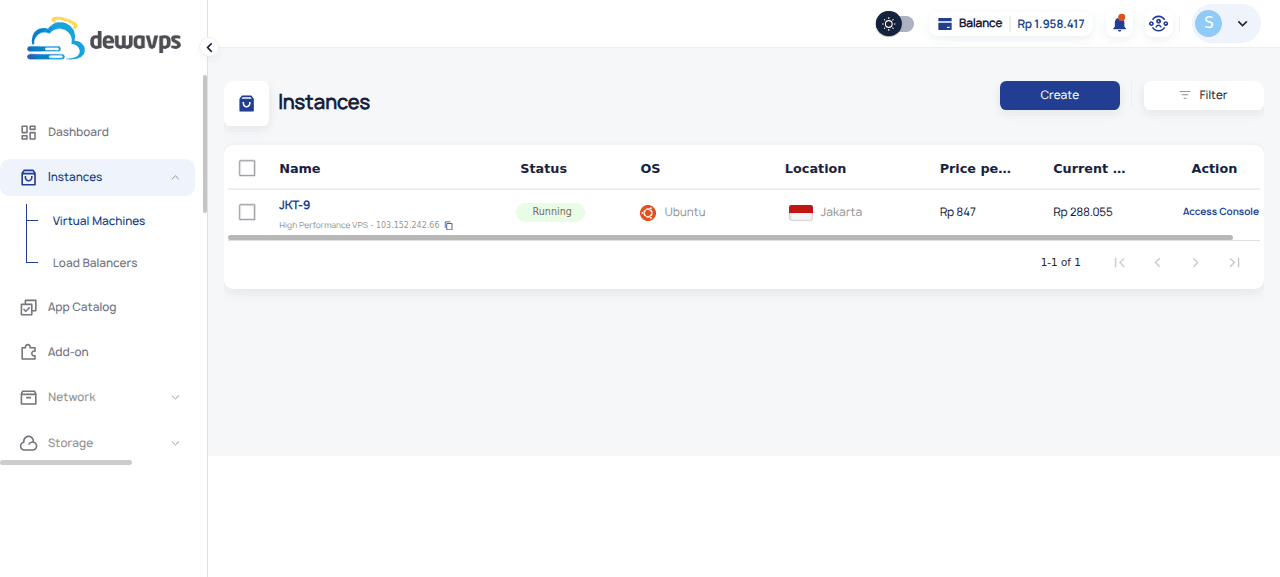
1. Navigate to Instance List
Go to Instances → Virtual Machines.
2. Select the Instance
Click the checkbox next to the instance you want to delete.
3. Click Delete
An action bar appears with options:
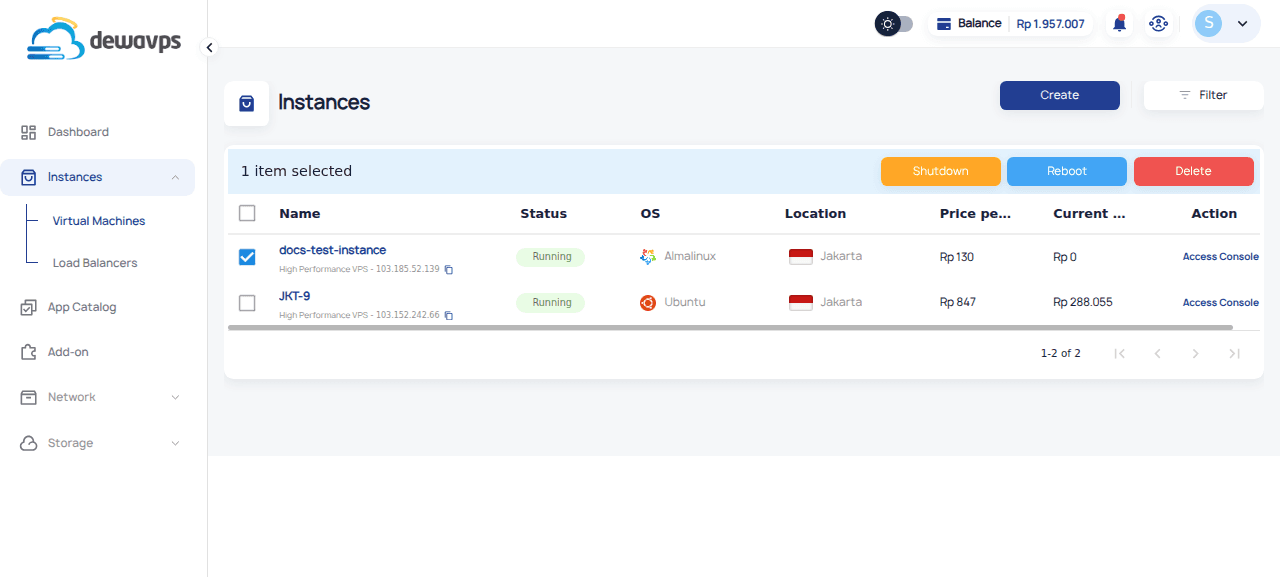
Click Delete.
4. Confirm Deletion
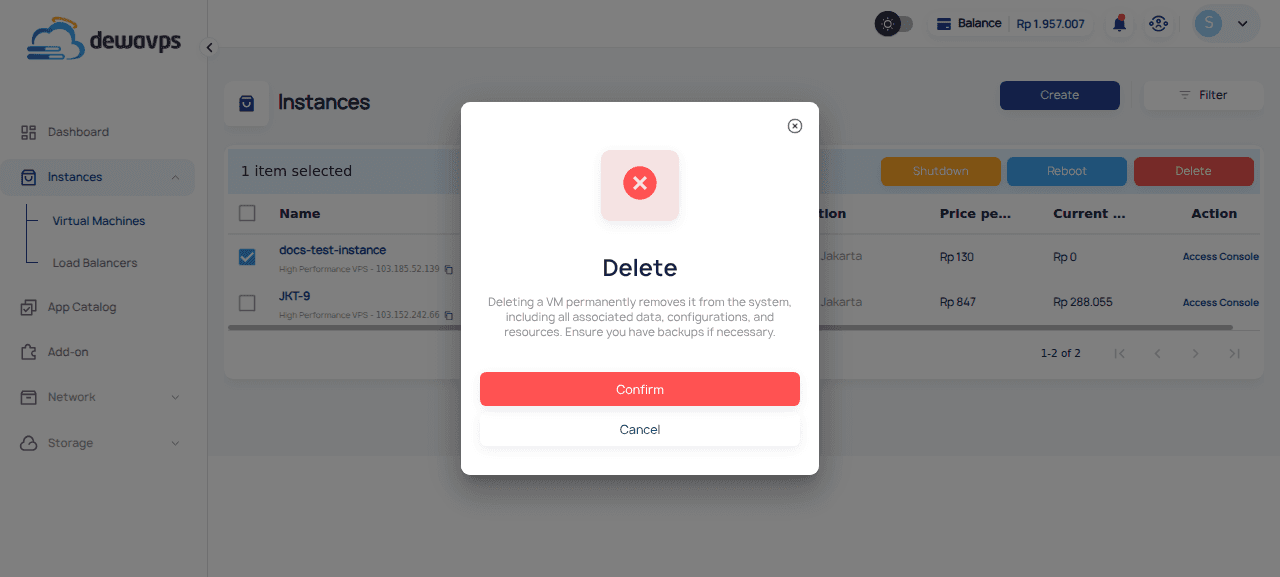
A confirmation dialog appears. Click Confirm to proceed.
5. Instance Removal
The instance status changes to Removing and is permanently deleted.
Before Deleting
- Download any important files or databases
- Update DNS records if the instance had a domain
- Note the public IP if you need to reference it later
- Ensure no critical services depend on the instance
Note: Public IPs are released when an instance is deleted. Creating a new instance will assign a different IP.