

Target Groups
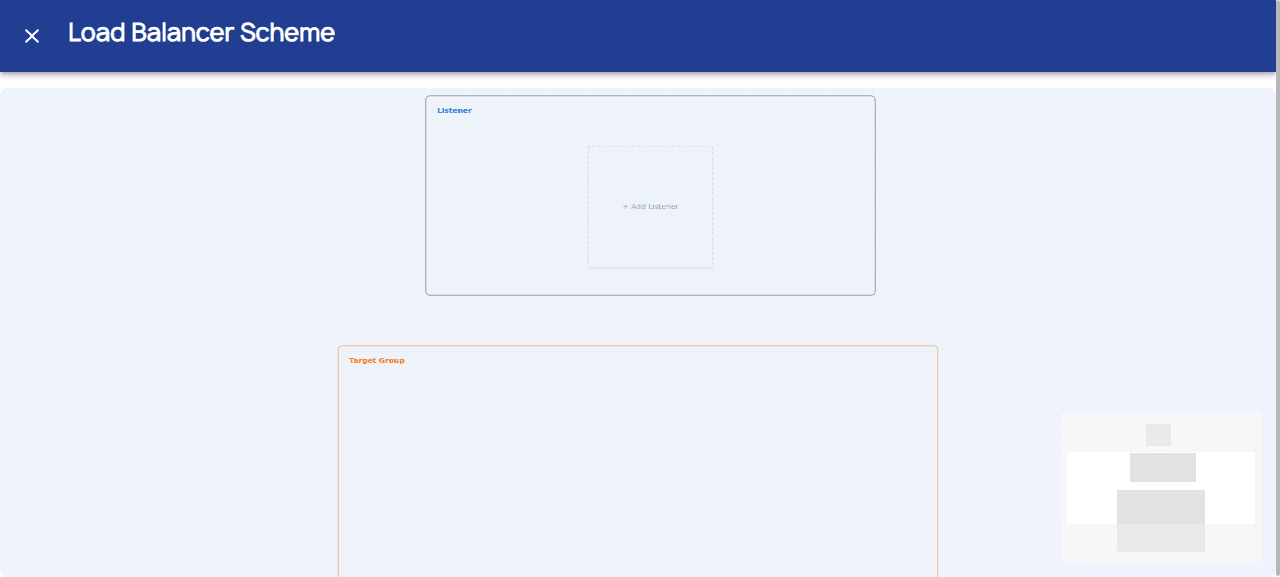
Target Groups define the backend Instances that the Load Balancer routes traffic to. They appear on the right side of the Load Balancer Scheme diagram.
Understanding the Diagram
The Load Balancer Scheme has three columns:
- Load Balancer (left) — Shows the load balancer details
- Listener (middle) — Shows configured listeners
- Target Group (right) — Shows backend instances
Creating a Target Group
Target Groups are created when you connect a Listener to backend instances:
- First, create a Listener (see Listeners)
- In the diagram, drag the listener node toward the Target Group area
- Select the instances to include in the target group
- The connection is established automatically
Target Group Configuration
| Field | Description |
|---|---|
| Name | Enter a name for the target group |
| Instances | Select one or more instances from your private network |
Connecting Listeners to Target Groups
The visual diagram supports drag-and-drop connections:
- Click and hold the Listener node
- Drag it toward the Target Group area
- Release to create the routing connection
- Traffic will flow from Listener → Target Group → Instances
Managing Target Groups
- Add Instances: Click on a Target Group node to add more instances
- Remove Instances: Select instances to remove from the group
- Delete Group: Use the node's actions menu
Important Notes
- All instances in a Target Group must be in the same private network as the Load Balancer
- Instances must be running to receive traffic
- Health checks determine which instances receive traffic
Note: If you don't see any instances available, make sure you have created instances in the same private network as your Load Balancer.