

Create Public Network
Creating a Public Network IP (floating IP) allows your instance to be accessible over the internet with a unique public IP address.
Steps to Create a Public Network IP
-
Log in to your DewaVPS control panel.
-
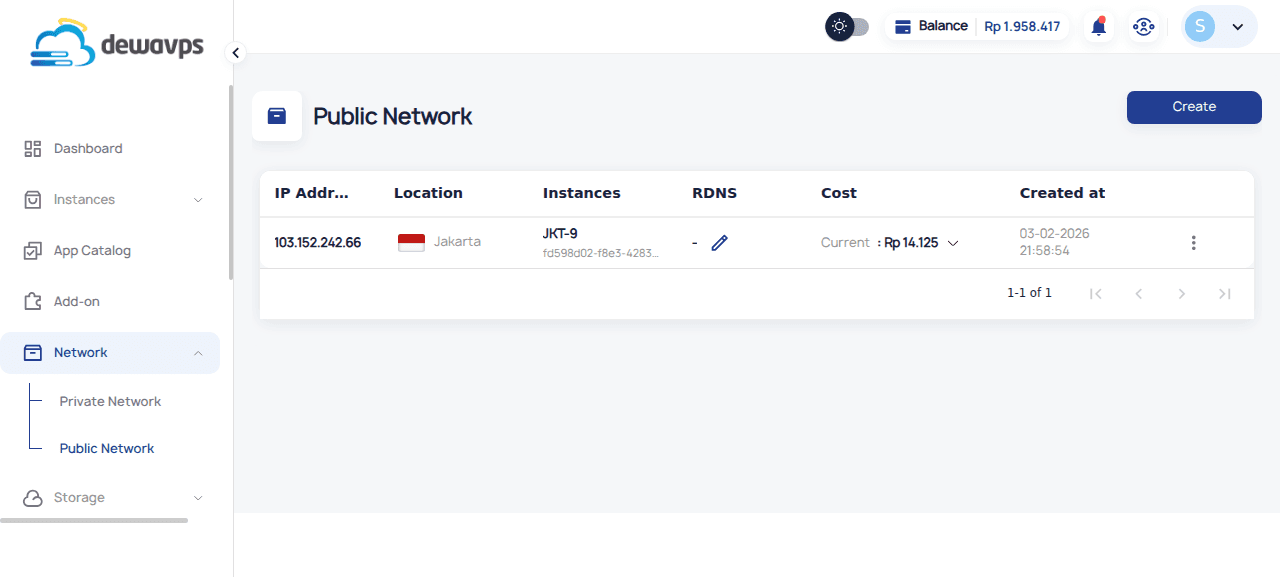
Navigate to Network → Public Network.
-
Click the Create button.
-
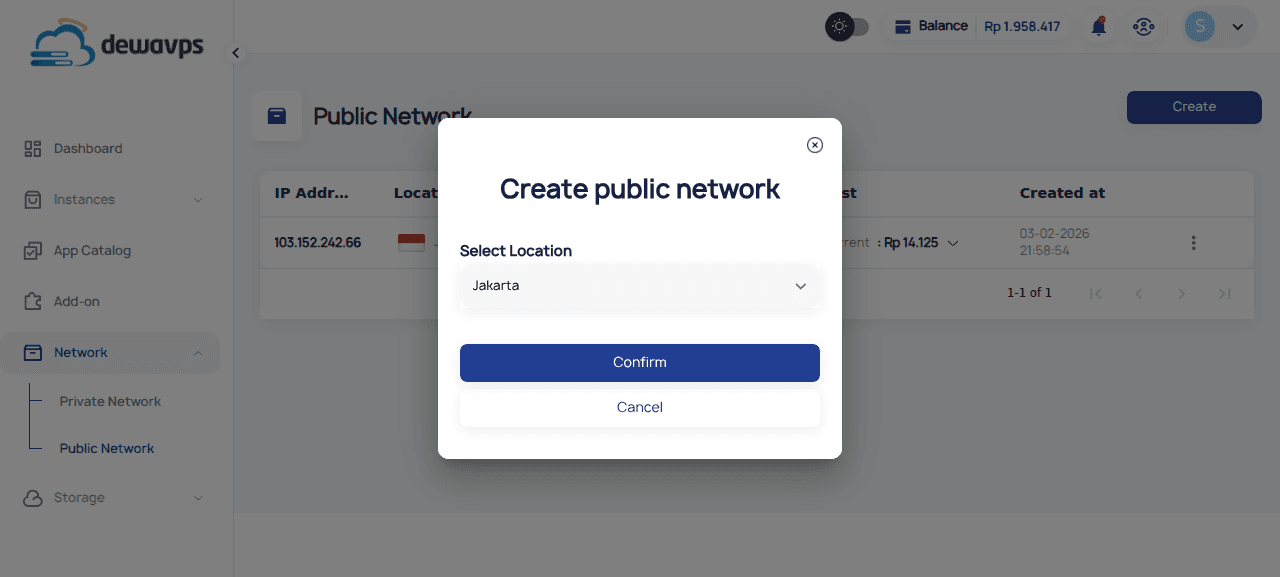
Select the location for the public IP (currently Jakarta).
-
Click Confirm to allocate the IP.
-
The new public IP will appear in the list. It will be unassigned until you attach it to an instance.
Attaching to an Instance
-
Click the actions menu (⋮) on the IP row.
-
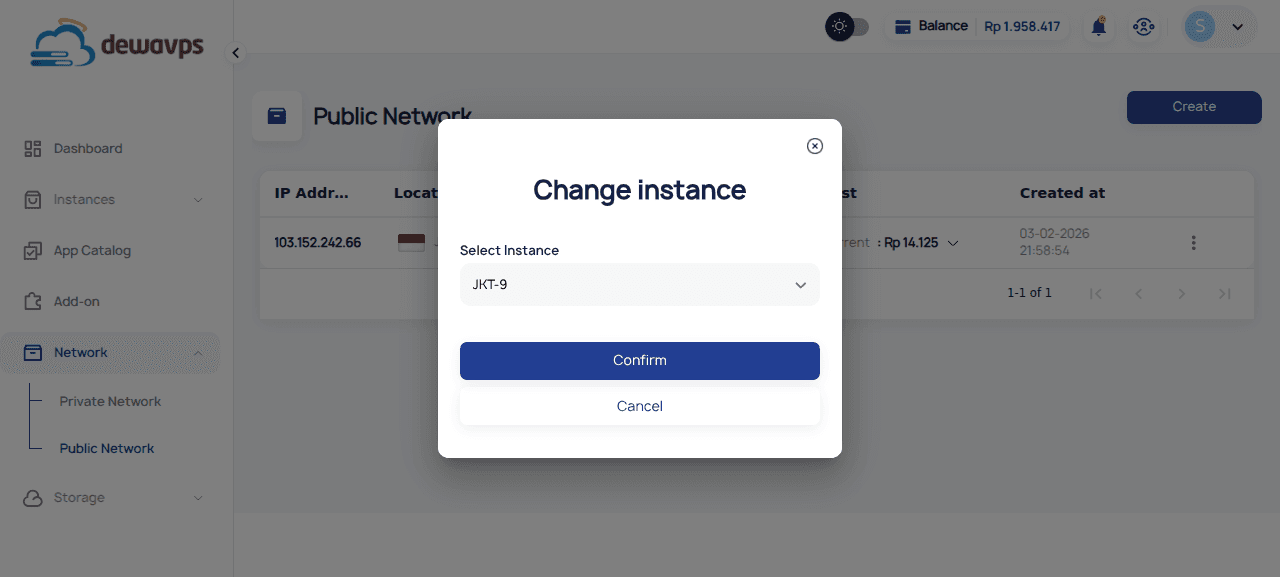
Select Change Instance.
-
Choose the instance from the dropdown.
-
Click Confirm.
Pricing
Public IPs are billed hourly based on usage. Check your billing section for current rates.
Note
- Each public IP can only be attached to one instance at a time
- Deleting a public IP releases it permanently — you'll get a different IP if you create a new one