

Authentication
Quickstart
Quickstart
DewaVPS Authentication services help you securely access and manage your cloud resources. This includes managing SSH keys for secure instance login and API tokens for programmatic access to the DewaVPS platform.
All authentication settings are located under Key Management in the sidebar:
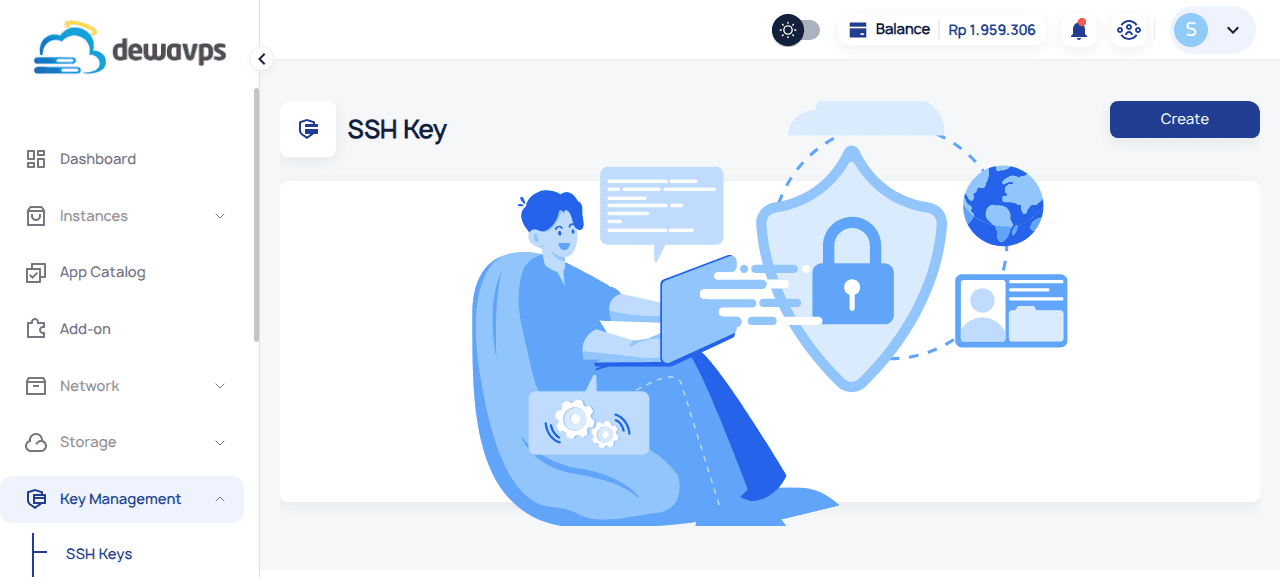
Managing SSH Keys
SSH keys provide a secure, passwordless way to connect to your instances.
Adding an SSH Key
- Navigate to Key Management → SSH Keys.
- Click Create.
- Enter a name (e.g.,
My Laptop) and paste your public SSH key. - Click Submit.
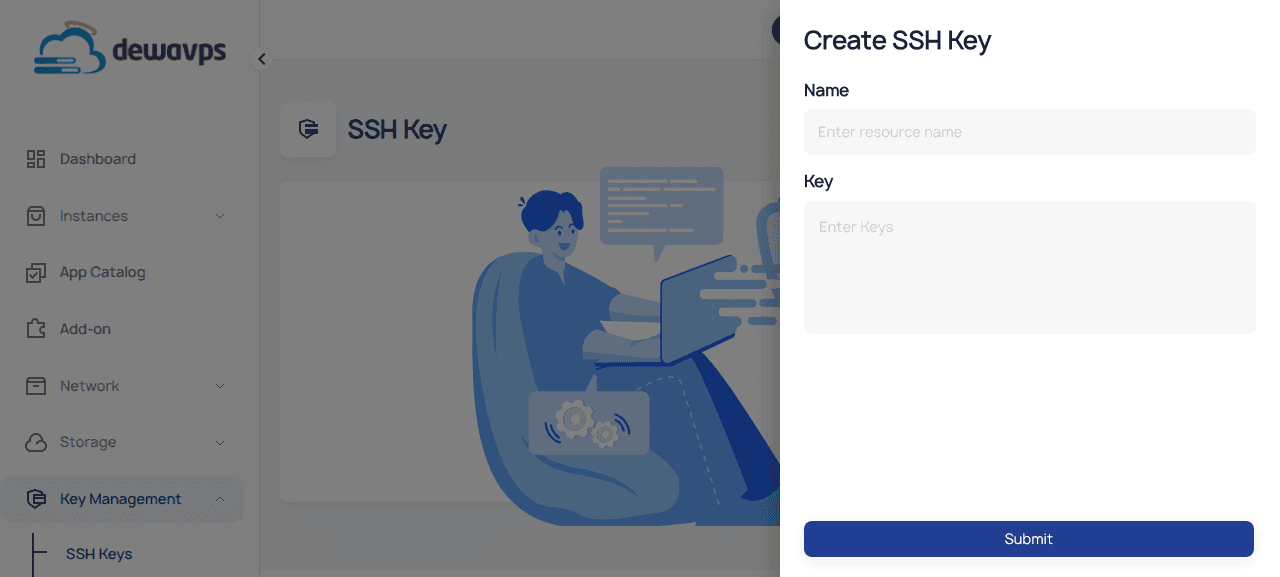
After adding, you can select this key when creating new instances to enable secure SSH access.
Generating an SSH Key
If you don't have an SSH key, generate one on your local machine:
ssh-keygen -t ed25519 -C "your_email@example.com"
cat ~/.ssh/id_ed25519.pub  # Copy this public key
Managing API Tokens
API tokens allow you to automate and integrate with the DewaVPS platform.
Creating an API Token
- Navigate to Key Management → API Token.
- Click Create.
- Provide a name (e.g.,
CI/CD Pipeline), select a scope, and set an expiration date. - Click Confirm.
- Copy the token immediately — it's only shown once!
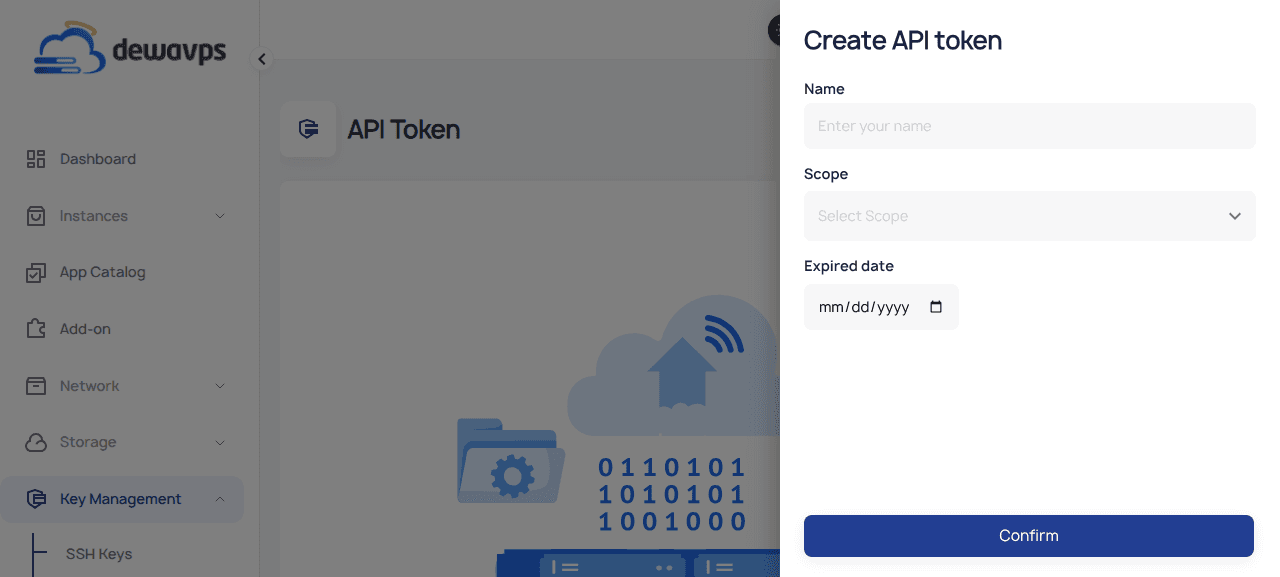
Using Your API Token
curl -H "x-apikey: YOUR_TOKEN_HERE" https://api.dewavps.com/v1/instancesAvailable Scopes
| Scope | Description |
|---|---|
super | Full access to all resources |
read_instance | Read-only access to instances |
write_instance | Read and write access to instances |
billing | Access to billing information |
read_network | Read-only access to network resources |
write_network | Read and write access to network resources |
Next Steps
- Add SSH Key — Detailed SSH key setup
- Create API Token — Detailed API token setup